
title: “Windows 11 24H2 Problems – Are They Fixed in November 2025?” date: 2025-11-23 Windows 11 24H2 Problems – Are They Fixed in November 2025? 8 minute read | 23rd November 2025 Content guide Microsoft’s Windows 11 24H2 update caused chaos when it launched in October 2024 – crashing games, breaking VPNs, and even stopping […]
Gmail 備份到 PST
之前已經和大家介紹了Gmail備份到Thunderbird的方法。今天為大家介紹備份到Outlook,對比起備份到Thunderbird比較容易. 首先安裝好Microsoft Outlook,如果沒有設定其他電郵的話,一開始就會是引導畫面。輸入Gmail地址後,Outlook 會自動打開瀏覽器,要求大家要登錄Gmail。 成功後可以在Outlook看到Gmail的電郵,跟著可以跟著以下步驟開始備份電郵到另一個PST: 選擇左上角MENU的File, 打開Account Setting,看到再有一個Account Settings選項。 一個視窗彈出來後,選Data Files>Add>輸入PST想要的名字後”OK” 可以看到剛建立的新PST”Gmail Backup”已經在Outlook,現在只需right click 本來Gmail的Folder(用了inbox來示範),再選”Copy Folder” 在出現的Copy Folder視窗選擇之前建立的PST Outlook會把你Gmail的電郵複製一份到你自己的PST上了。 完畢後可以在之前安排的位置找到那個PST,而這個PST檔案只需保留起來就可以了。日後只要用Outlook打開這個PST,就可以拿回之前備份的Gmail電郵了。 後記:筆者是比較喜歡用Microsoft Outlook的,因為Outlook是本來就支援Exchange,所以會比較多用Outlook做備份,備份出來的電郵排列也會比較簡潔易明,因為用Outlook備份後出來的Gmail,會變為用Folder來劃分,而不是像本來的用Label來細分郵件。但是Gmail的聯絡人是和郵件分開的,下次會教大家把聯絡人備份和放到Outlook中。

Gmail下載備份匯入到Thunderbird
上次講完如果將Gmail由雲端打包下載,今日會講如果將下載了的電郵匯入郵件客戶端入面,首先會講如何匯入到Thunderbird入面。可能大家對Thunderbird有少少陌生,Thunderbird 係 Mozilla 推出嘅 免費、開源電郵客戶端,支援 Windows/macOS/Linux。同一般郵件程式一樣,可以設定IMAP/POP/SMTP、Gmail 同步,其中最大賣點係, 佢可以直接打開Google Takeout既備份格式(.mbox),所以今次我地首先介紹佢。 上次我地打包既Gmail電郵已經寄左下載既連結過來, 可以入番去電郵下載番落電腦. 下載完之後, 請去https://www.thunderbird.net/zh-TW/download/ 下載Thunderbird既桌面版客戶端。 下載了後執行安裝檔,也是一般程式安裝,完結後請打開Thunderbird,會看到以下畫面。要先打上名字和電郵,LOCAL FOLDER才會出來 先按左下角齒輪(Setting),再按下Add-ons and Themes, 係入面Search “ImportExportTools NG”插件。 Add to Thunderbird 安裝插件後,在Local Folder中先新增資料夾 幫資料夾改名後,右按資料夾,選ImportExportTools NG>Import mbox Files>Individual mbox Files,選擇之前由Gmail下載回來的”.mbox”檔案後, 就會開始把備份匯入Thunderbird中. 總結:雖然Thunderbird是免費,但用有別於Outlook,對於一直用Outlook的用家用起上來有點辛苦。下次我會教大家如何用把Gmail備份放到Outlook上.
Gmail的備份方法
Gmail早在Android電話系統出現之前就已經有很多使用者了,因為當時的2GB信箱已經是最大的信箱了。 加上Android電話普及之後,大量用戶也同時擁有一個Gmail的用戶口。 今天想教大家GMAIL的備份方法。 先登入Google Takeout網頁:先用你要備份的Gmail帳號登入網站https://takeout.google.com/。選擇你要備份的資料:進入到去之後會看到一些Google的服務,預設係全部打咗勾感,可以撳右上角「全選」,然後搵番GMAIL一頂打番勾,在裡面可以看到「包含的所有郵件資料」然後之後就可以選擇備份的備份文件,當設定好之後,再按下一步。歸檔文件大小同壓縮格式:撳「下一步」,你可以整理:開始備份:撳「建立匯出」,Google 就會重新完成準備備份文件,過程可能要幾十到幾個鐘(視乎你的電子郵件幾多)。以後你會收到電子郵件,有連結讓你下載備份。首先會講既是Google提供的方法,但有趣的是,Google顯示這雖然可重構備份的用途,不能當做真正的備份工具,是它不能把你的備份原因再做,但真的是這樣嗎?接下來但要講把GMAIL二次的方法。

Outlook封存功能(Archive)的用途 (2)
昨天介紹了Outlook基本封存(存檔)功能,今天再介紹一下自動封存功能。原理大概也是用日期做指標,例如設定好把一年前的電子郵件封存到某個資料檔,Outlook會自動定期把電子郵件封存好,下面會解釋一下設定的步驟。 【自動封存設定步驟】(以Outlook 2016 / 2019 / 365桌面版為例)【自動封存選項說明】在「自動封存」視窗中可設定下列選項:點選「確定」儲存設定。 【為特定資料夾設定封存】
Outlook封存功能(Archive)的用途
Outlook 是最常用的威脅用戶端之一,除了可用於 Microsoft 的 Exchange Server 和 Microsoft 365 的威脅之外,同時也可以用於 GMAIL 和其他類型的 POP3/IMAP 威脅。 雖然阿拉的伺服器用量已大幅提升,但近來又出現了容量問題,公司的商業更存在這些問題。 如果您想把備份還原起來,Outlook 的封存功能可以對您有所幫助。 Outlook 的封存功能(存檔)可以繼續時間的方式封存以前的日子的附件,步驟如下:其他提示:這樣,你就可以將你的 Outlook 郵件成功封存到 PST 檔案中了,讓郵件保留小區並節省空間!存檔還可以自動封存功能。 留待下一步我會講解設定方法。

自主革命: 自駕車勢將改變運輸與都市面貌
The concept of autonomous vehicles (AVs), once relegated to science fiction, is rapidly becoming a reality, poised to fundamentally reshape transportation systems, urban planning, and even our daily routines. Advancements in sensor technology, artificial intelligence (AI), machine learning, and high-definition mapping are driving a revolution in mobility, with self-driving cars, trucks, buses, and delivery robots […]

區塊鏈:不僅是加密貨幣——革新各產業的信任、透明度和效率
Blockchain technology, often initially associated solely with cryptocurrencies like Bitcoin, is rapidly proving to be a far more versatile and transformative innovation with the potential to revolutionize numerous industries far beyond finance. At its core, blockchain is a decentralized, distributed, and immutable ledger system that securely records transactions across a network of computers. This fundamental […]

科技助力地球渡過難關:永續科技的迫切崛起及其全球影響
In an era defined by escalating climate change and environmental concerns, Sustainable Technology, or Green Tech, has transitioned from a niche concept to a critical global imperative. It encompasses a wide spectrum of innovations specifically engineered to minimize our environmental footprint and pave the way for a more sustainable and resilient future. From revolutionizing energy […]
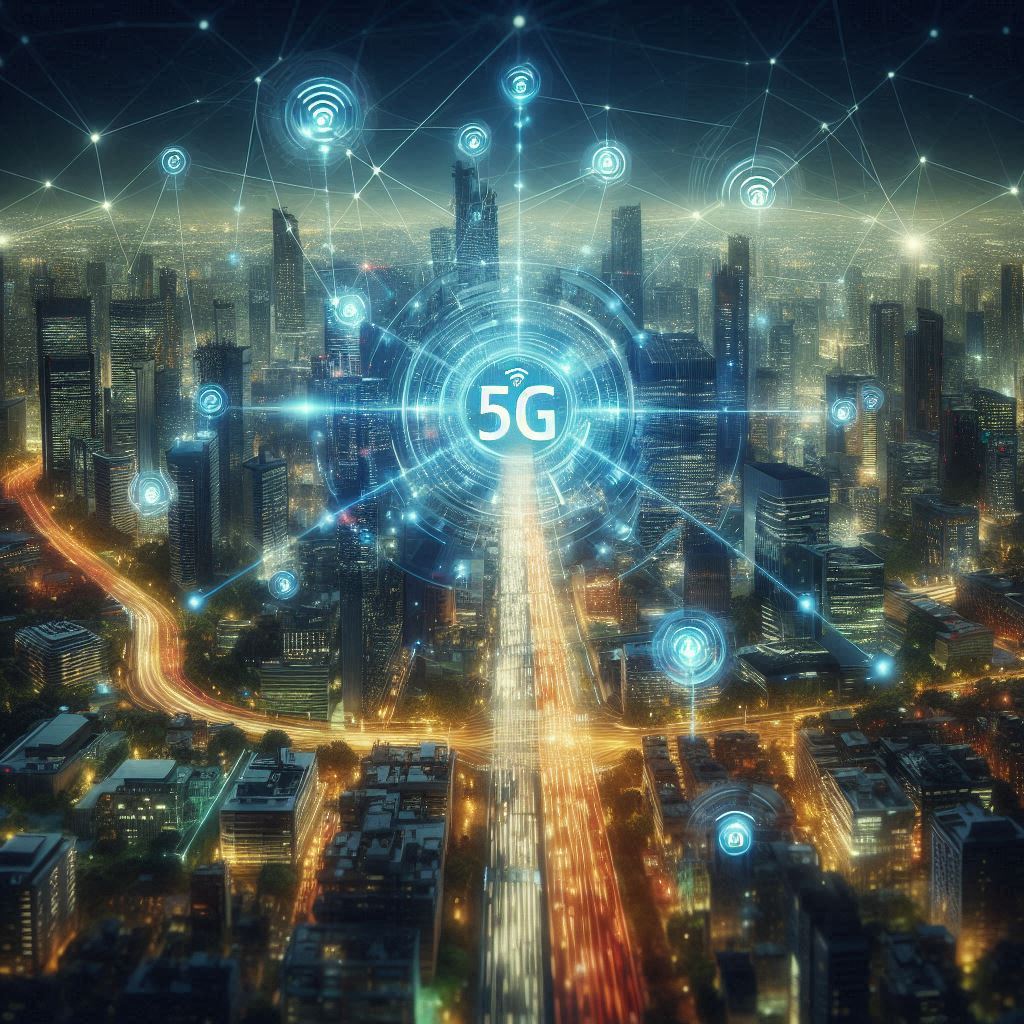
超越炒作:揭示5G連結的改變力量
While often discussed in terms of faster smartphone speeds, 5G connectivity represents a far more profound technological leap, poised to fundamentally reshape industries and redefine our daily lives. It’s not merely an incremental upgrade from 4G; 5G is a foundational infrastructure that offers significantly enhanced speeds, drastically reduced latency, and massively increased network capacity. These […]
 香港中文
香港中文  English